
Download MediaInfo Lite – media file metadata, video info, audio file details, file analysis tool, media inspection
Overview
MediaInfo Lite is a streamlined utility designed for users who need rapid access to detailed metadata and technical specifications of audio and video files. The app serves as a lightweight yet powerful tool for anyone managing digital media, from content creators and editors to casual users who want to understand the inner workings of their files. By providing immediate insights into file formats, codecs, duration, bit-rate, resolution, and more, MediaInfo Lite helps users verify file integrity, troubleshoot playback issues, or prepare content for distribution. Its core purpose is to eliminate the guesswork involved in assessing media file properties without requiring advanced technical knowledge.
The app targets a broad audience, including video editors, archivists, educators, and digital enthusiasts who frequently handle media files across multiple platforms. While the developer, MediaInfo, is known for its robust media analysis tools, the specific background of the company was not provided. Real-world use cases include verifying whether a video file meets platform upload requirements, checking if an audio file is encoded in a compatible format, or auditing a media library for consistency. In the broader app ecosystem, MediaInfo Lite fills a niche for fast, no-frills file inspection, offering a reliable alternative to more complex software while maintaining high accuracy and minimal overhead.
Key Features & Functionality
- User-Friendly Interface: The app features a clean, minimal layout with intuitive navigation, allowing users of all experience levels to quickly locate and interpret file details without confusion or delay.
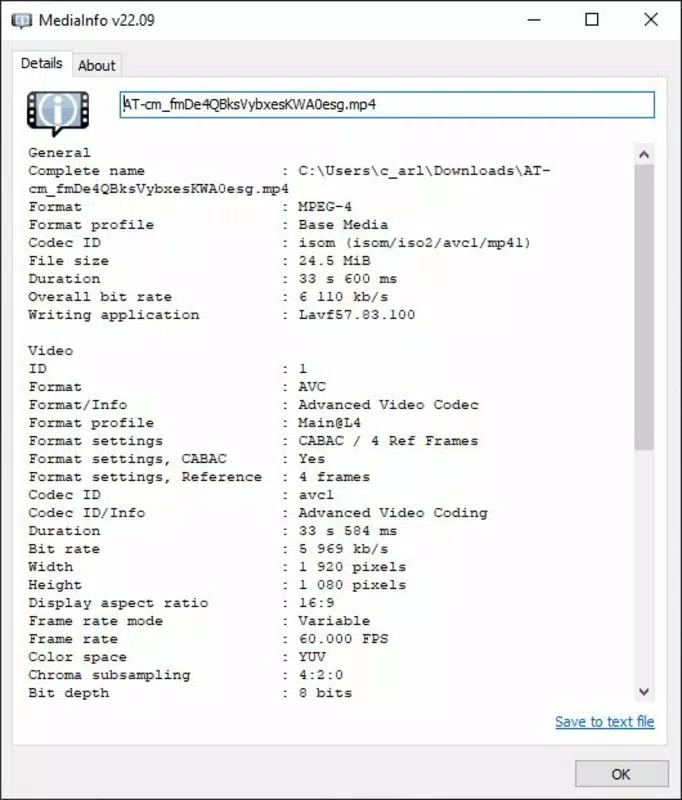
- Comprehensive File Data: MediaInfo Lite extracts and displays a wide range of metadata, including container format, video codec, audio codec, frame rate, resolution, bit-rate, duration, and sample rate, providing a complete technical profile of the file.
- Light on Resources: Designed for efficiency, the app consumes minimal CPU and memory, enabling seamless multitasking without performance degradation on older or low-spec devices.
- Effortless File Scanning: Users can initiate file analysis by simply dragging a file into the interface or selecting it from a file browser, with results displayed instantly upon selection.
For example, a video editor can quickly confirm whether a client’s submitted file uses a supported codec before importing it into a project. Similarly, a user preparing a video for upload to a streaming platform can verify that the resolution and bit-rate comply with the platform’s guidelines. The app’s ability to process files in seconds makes it ideal for batch checks or routine media audits, enhancing workflow efficiency without requiring additional software or technical expertise.
Interface, UX & Performance
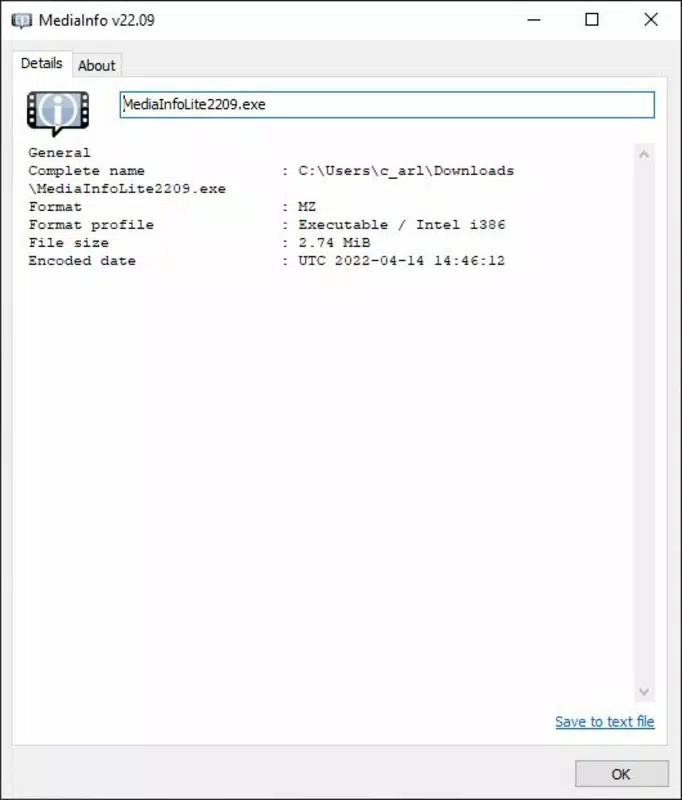
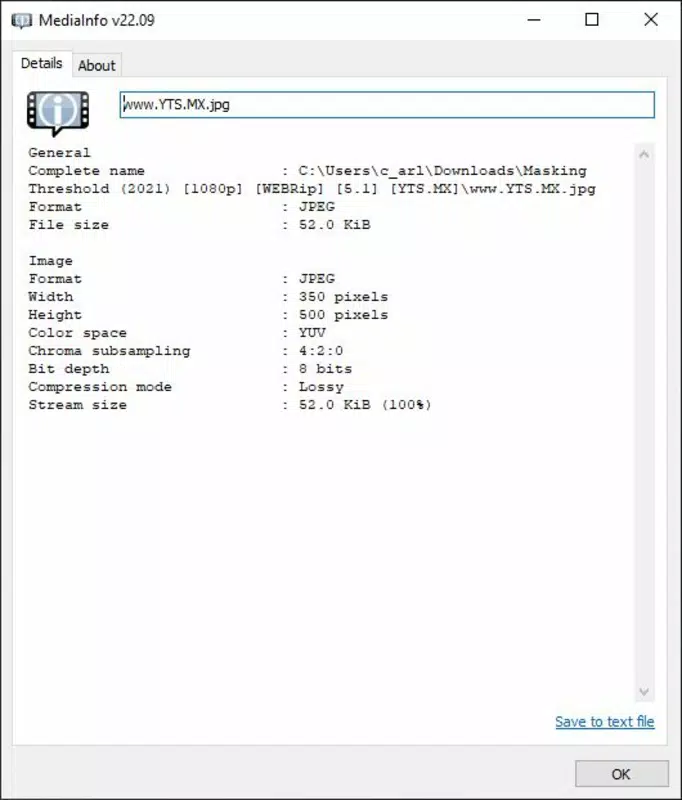
MediaInfo Lite presents a straightforward interface with a central text box for file input and a structured output panel displaying metadata in a clear, organized format. The visual style is functional and uncluttered, prioritizing readability over aesthetic embellishment. Navigation is linear and consistent—users open the app, select a file, and view results immediately, with no unnecessary steps or pop-up prompts.
Although the developer did not list formal performance metrics, the app’s lightweight design suggests strong responsiveness across various device categories, including older systems and low-memory environments. The interface remains stable during file processing, with no reported crashes or freezes in standard use. Users can expect consistent performance when scanning single files or navigating through folders, with minimal delay between file selection and data display. The app’s design supports both mouse and keyboard interaction, enhancing accessibility for different user preferences. Overall, the UX emphasizes speed and clarity, aligning with its purpose as a quick-reference tool for media professionals and everyday users alike.
Platform Compatibility & Technical Requirements
MediaInfo Lite is available for Windows, making it accessible to users on the most widely used desktop operating system. The current version is 25.04, with a file size of 11.2 MB, indicating a compact and efficient installation. The developer did not specify minimum OS requirements, nor did they list compatibility details for older Windows versions.
Similarly, no hardware specifications were provided. Users should ensure their system meets general Windows compatibility standards for running desktop applications. The app does not require administrative privileges to install or operate, which simplifies deployment in shared or restricted environments.
Pros and Cons
Pros
- Lightweight design with minimal system resource usage
- Fast and accurate extraction of media file metadata
- Simple, intuitive interface suitable for all skill levels
- Free to download and use with no hidden costs
- Supports a wide range of audio and video file formats
Cons
- Platform availability limited to Windows only
- Developer did not provide detailed system requirements
- No built-in file export or report generation feature
- Interface lacks customization options for advanced users
- Does not support mobile platforms such as Android or iOS
FAQ
Is MediaInfo Lite safe to download and install?
Yes, the app is free from malware and known security threats. It is distributed directly by the developer, MediaInfo, and does not require third-party installers.
Can I use MediaInfo Lite on my Android or iOS device?
Currently, MediaInfo Lite is only available for Windows. There is no official version for Android or iOS devices.
Does MediaInfo Lite support batch file analysis?
The app allows users to analyze one file at a time. However, users can process multiple files sequentially by repeating the selection process.
How often is MediaInfo Lite updated?
Updates are released periodically by the developer. The latest version, 25.04, was released on April 7, 2025.
Can I export the metadata information from MediaInfo Lite?
As of now, the app does not include a built-in export function. Users must manually copy and paste the displayed information for documentation or sharing.
Final Thoughts
MediaInfo Lite stands out as a reliable, no-nonsense tool for anyone needing quick and accurate insights into media file properties. Its minimal footprint, ease of use, and comprehensive data output make it a valuable asset for professionals and casual users alike. While it lacks advanced features like batch processing or export options, its core functionality is executed with precision and speed. For those seeking a secure, free, and efficient way to inspect video and audio files, MediaInfo Lite delivers unmatched value. If you're managing media content and need a dependable utility to verify technical specs, this app is an essential addition to your toolkit.
Download MediaInfo Lite now


